 Maintenance Schedule
Press kit
Maintenance Schedule press kit
Everything a writer needs: the icon, real screenshots and descriptions that stay within the app’s product facts.

Maintenance Schedule & Tracker
by SGWNI · iPhone, iPad and Mac · App Store ID 6755209275

Icon

Screenshots

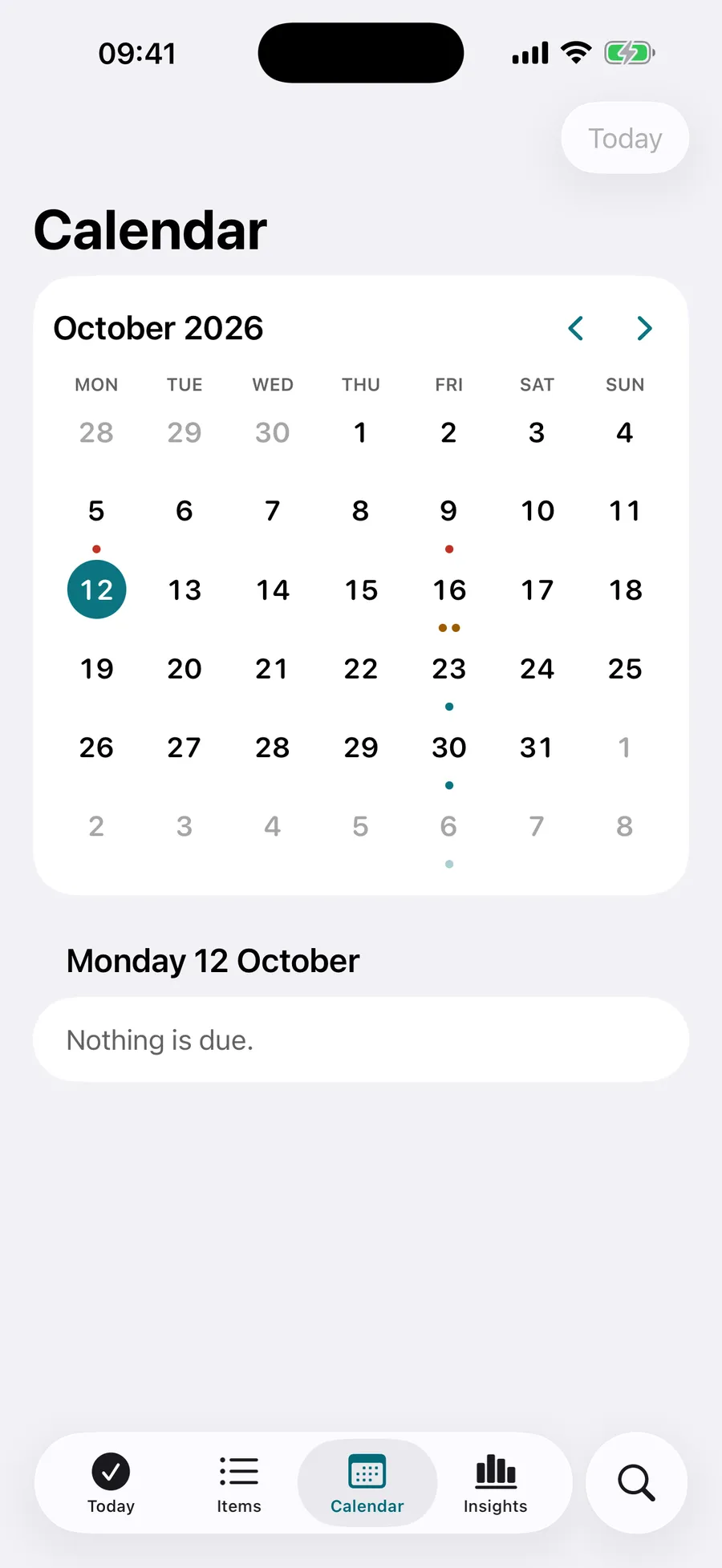
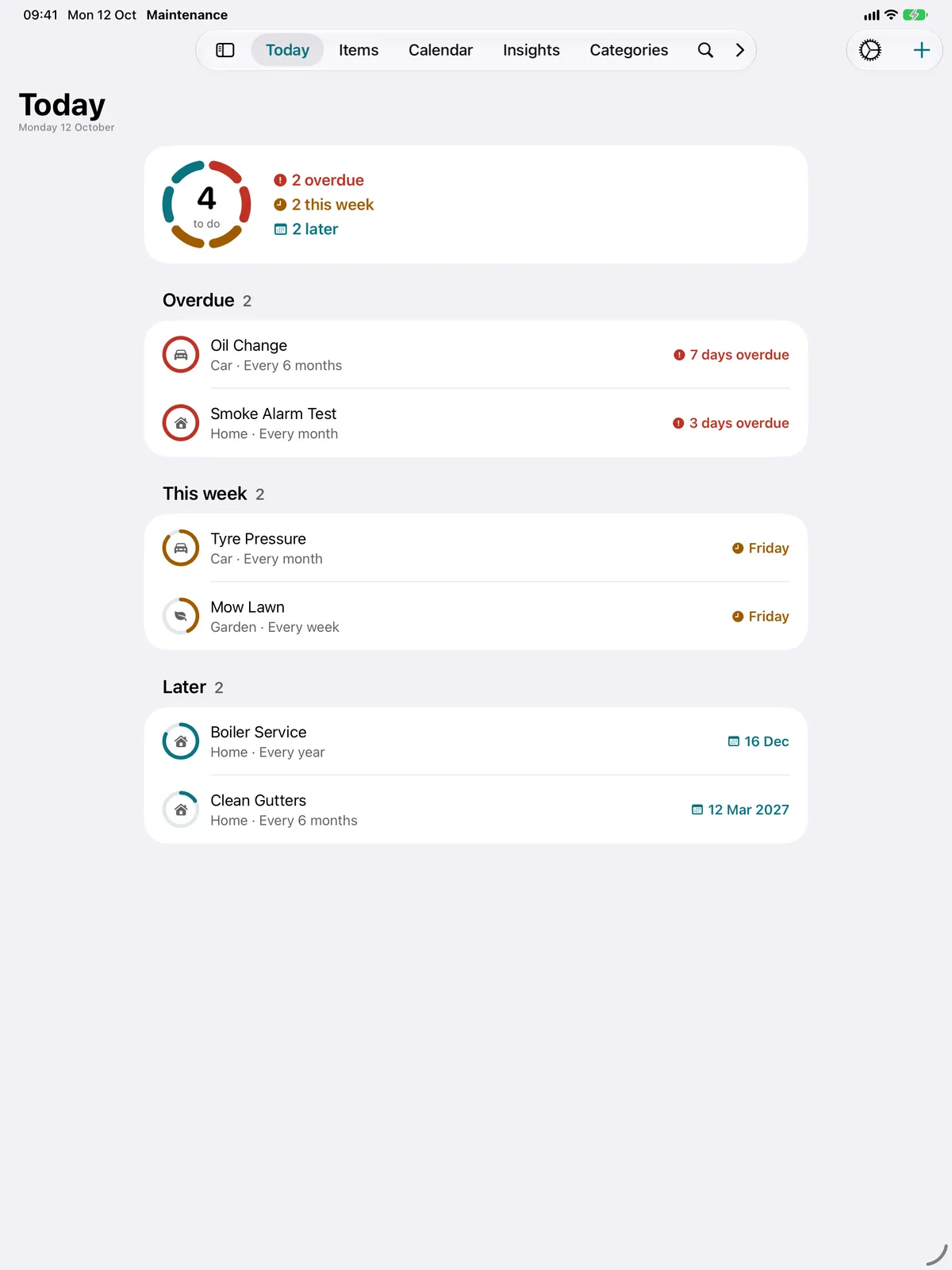
Description
Short
Know what needs doing, and when. Maintenance Schedule keeps home, car, garden, pet, bike and health jobs in one place, each with a ring that fills as it comes due.
Long
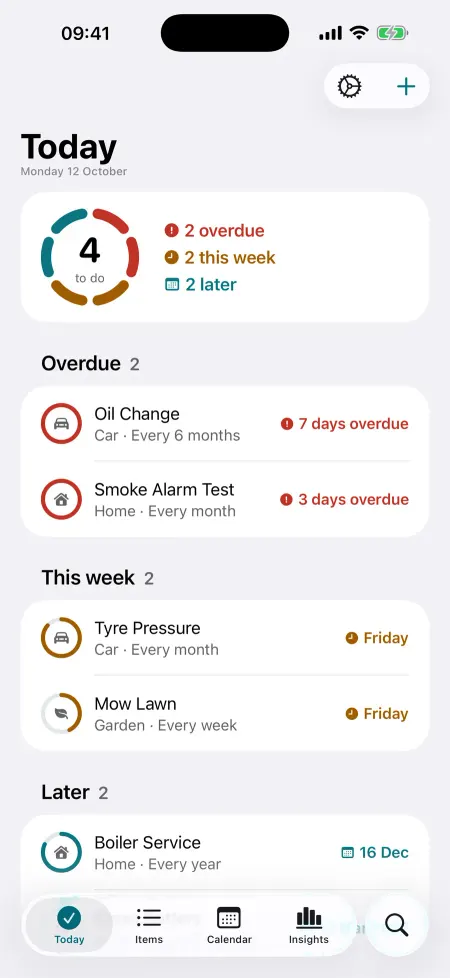
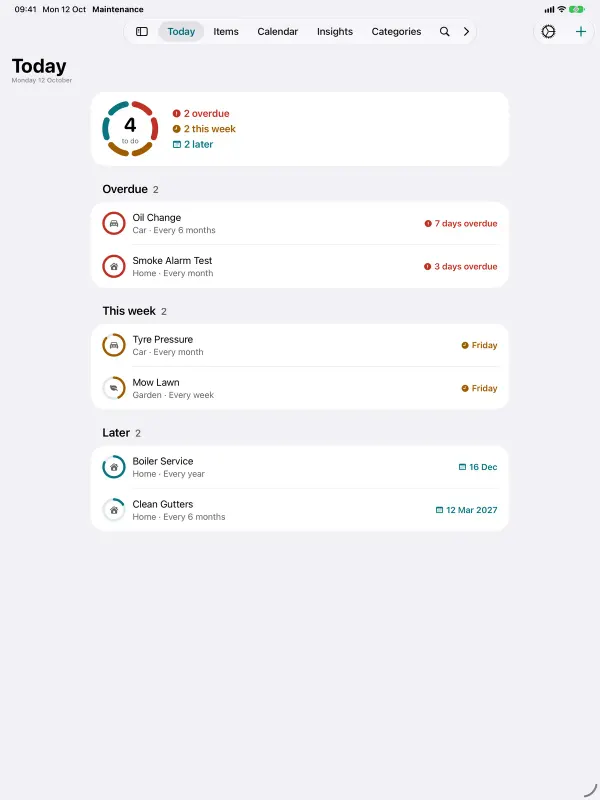
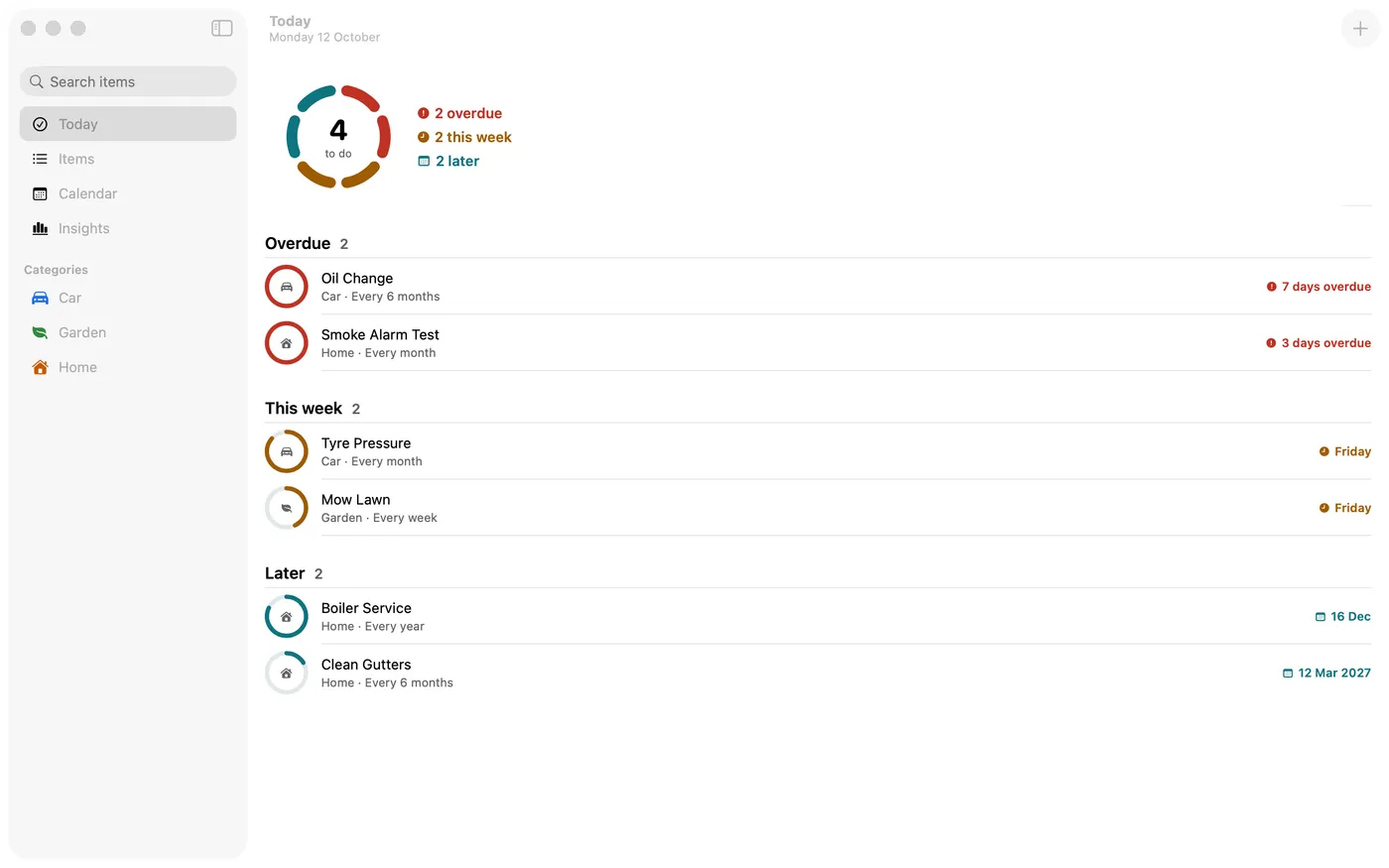
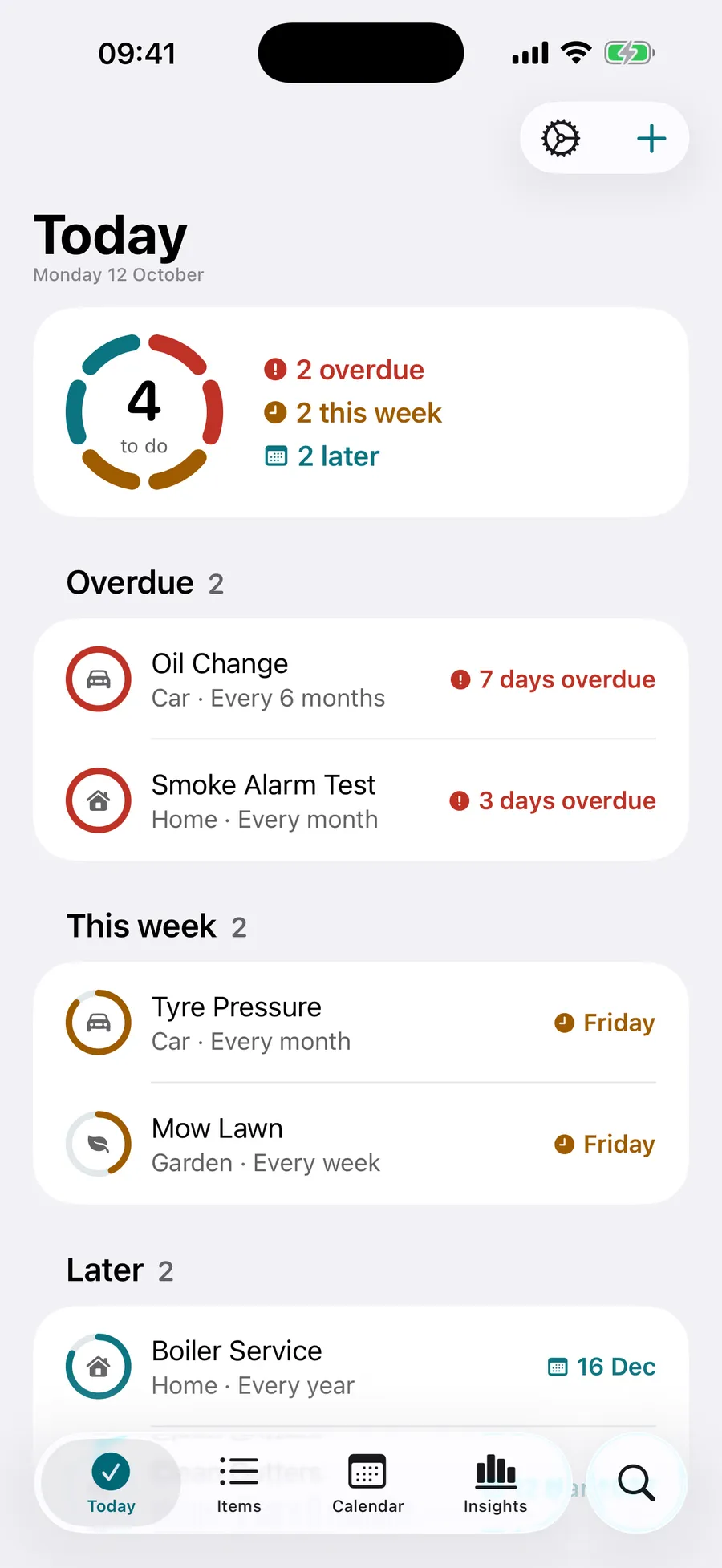
Maintenance Schedule keeps track of everything that needs regular care: the boiler service, the car’s MOT, the smoke alarm test, the gutters, the lawn, the dog’s flea treatment. Each job gets a ring that fills as it comes due, so one look tells you what’s overdue, what’s due this week and what can wait.
Pick what you look after (home, car, garden, pets, bike, health) and choose from ready-made schedules. Adjust how often, or when it was last done, and you’re set. Or add anything else that repeats, every few days, weeks or months.
Mark jobs done from the app, a notification, a Home Screen widget or Siri. The next due date works itself out, and if you tap by mistake, undo is right there. Reminders arrive a day or more before something is due, at the time you choose, with a follow-up if it slips.
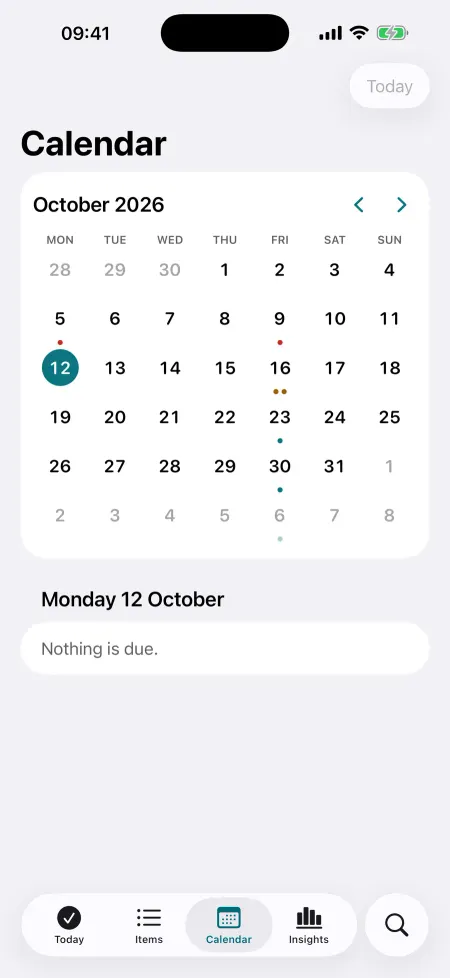
Today groups what’s overdue, this week and later. The calendar shows every due date, including the repeats ahead. Insights show your on-time rate, streaks and a 12-month chart, with a history you can edit.
Keep the model, serial number, purchase date, retailer and warranty end date for each item, with a reminder 30 days before the warranty ends. Pro adds photos and documents: scan receipts and invoices, photograph the rating plate and keep the manual as a PDF.
Widgets for the Home Screen and Lock Screen have a Done button. Control Centre controls add a job or show what’s due. On Mac there is a menu bar list. iPhone, iPad and Mac stay in step through your own iCloud, with no account.
Free for 2 items, with every feature except photos and documents. Pro removes the limit and adds photos and documents.
Contact
Email hello@maintenanceschedule.app. For the App Store listing, use the official badge above and link to the App Store page.
Screenshots are the real app screens. Please do not redraw the icon or the badge.