 Maintenance Schedule
Maintenance schedule maker
Pick your jobs, set the interval and last done date, then download a calendar file, CSV or printed checklist.
Make my scheduleMaintenance Schedule
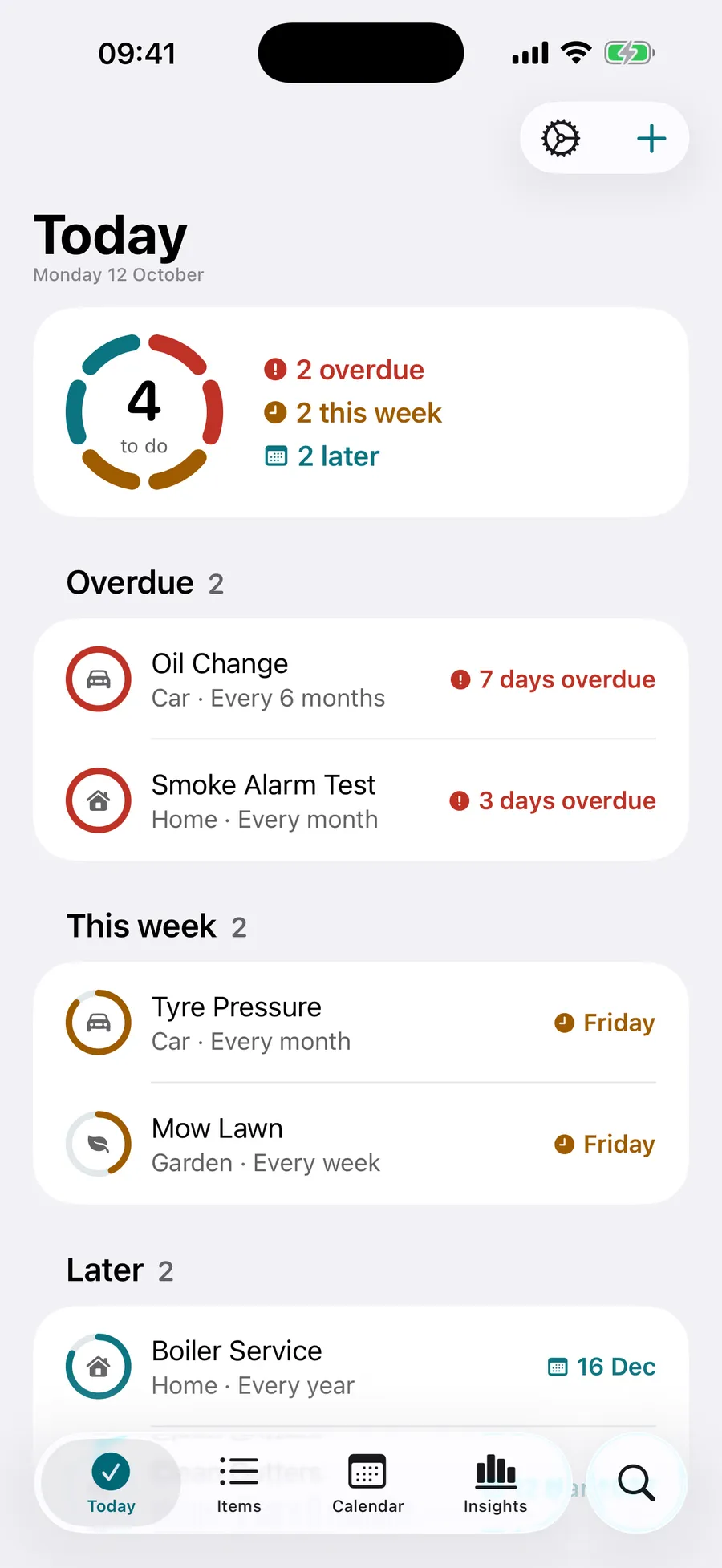
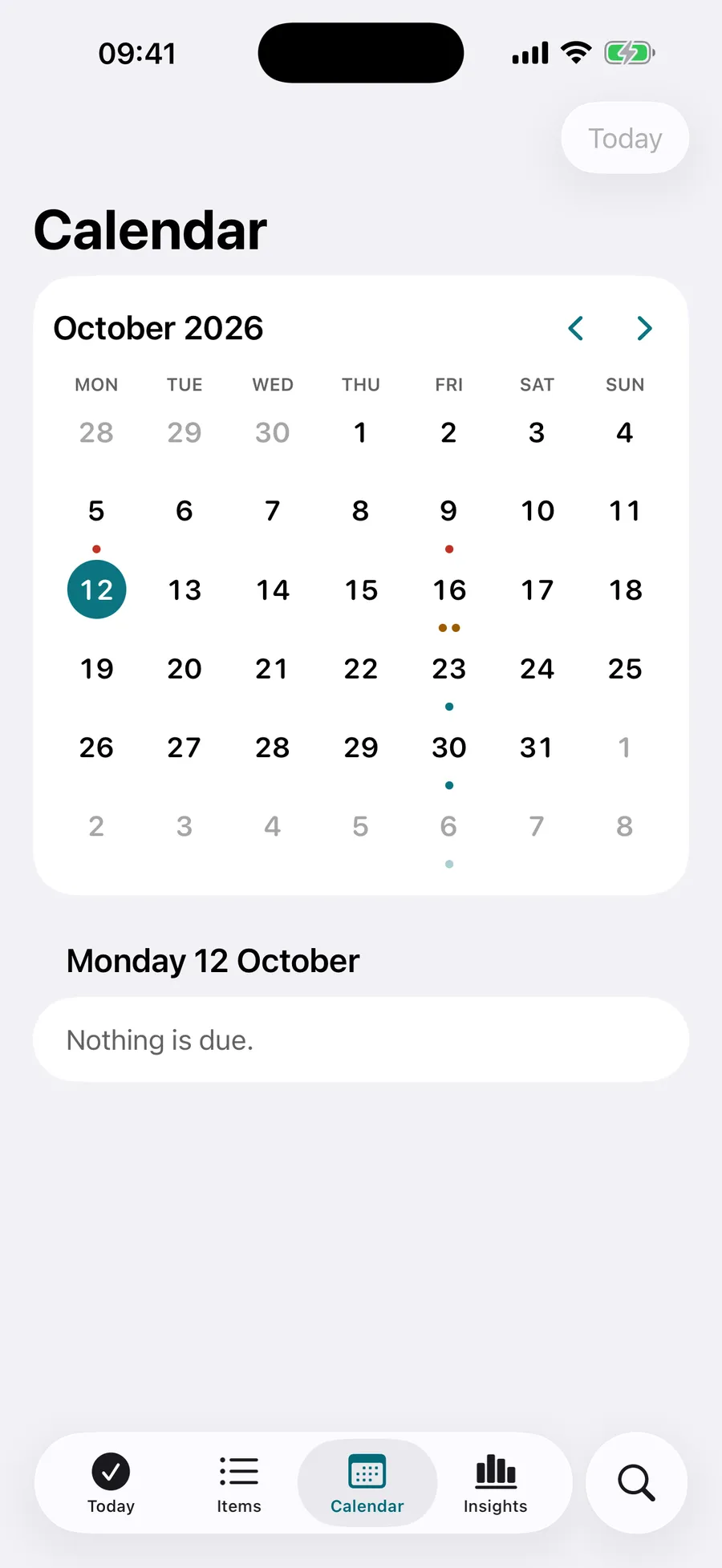
Reminders and a record for everything that needs regular care: home, car, garden, pets, bike and health, each job with a ring that fills as it comes due.
The tools run in your browser. No account. The app is for iPhone, iPad and Mac.
Free tools
Every tool runs in your browser and keeps its state in the address, so you can bookmark or share the result.
Pick your jobs, set the interval and last done date, then download a calendar file, CSV or printed checklist.
Make my schedule6 months from a date, 3 months from today, every 90 days: get the date and the five dates after it.
Find the next dateEnter the purchase date and the length. See the end date, the days left and the two reminder dates.
Check a warrantyThe app
Pick what you look after and choose from ready-made schedules, or add anything that repeats. Mark it done from a notification or widget and the next date works itself out.

How often
Common questions, each with its source and a schedule maker that loads the job.
Six areas
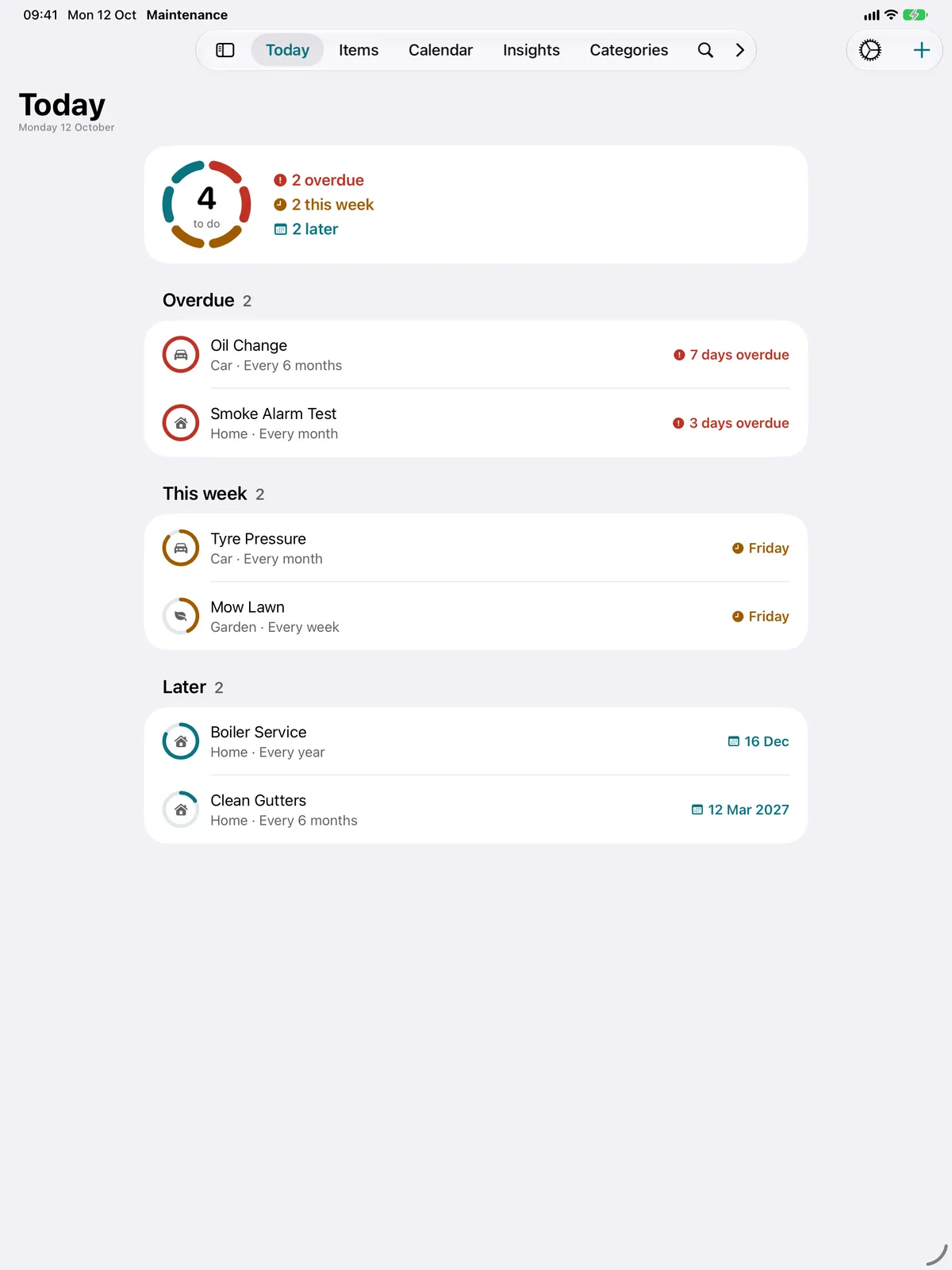
It keeps a schedule for home, car, garden, pets, bike and health, with a ring for each job that fills as it comes due. Today groups what is overdue, due this week and later.
No. The app runs on iPhone, iPad and Mac and syncs through your own iCloud. There is no account, and the developer cannot see your data.
Yes. Mark a job done from the app, a notification, a widget or Siri, and the next due date is worked out from when it was done. Undo is available straight after.
Yes. Reminders a day or more before a job is due, at a chosen time, with follow-ups if it is overdue. You can snooze to tomorrow or next week from the notification.
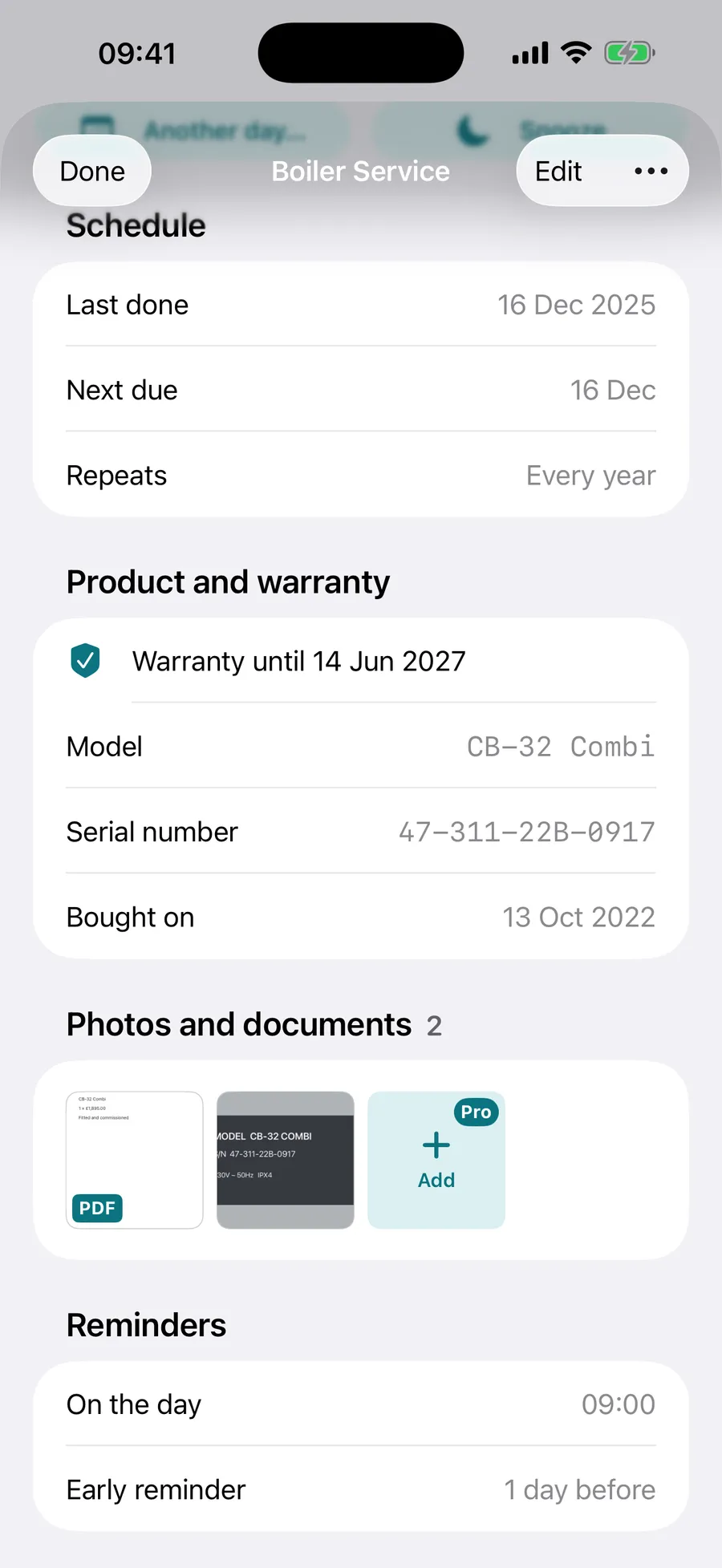
Yes. Each item can hold its model, serial number, purchase date, retailer and warranty end date, with a reminder 30 days before the warranty ends and on the day.
Free for 2 items, with every feature except photos and documents. Pro removes the limit and adds photos and documents.
No. The tools on this site run in your browser; the app itself is for iPhone, iPad and Mac.